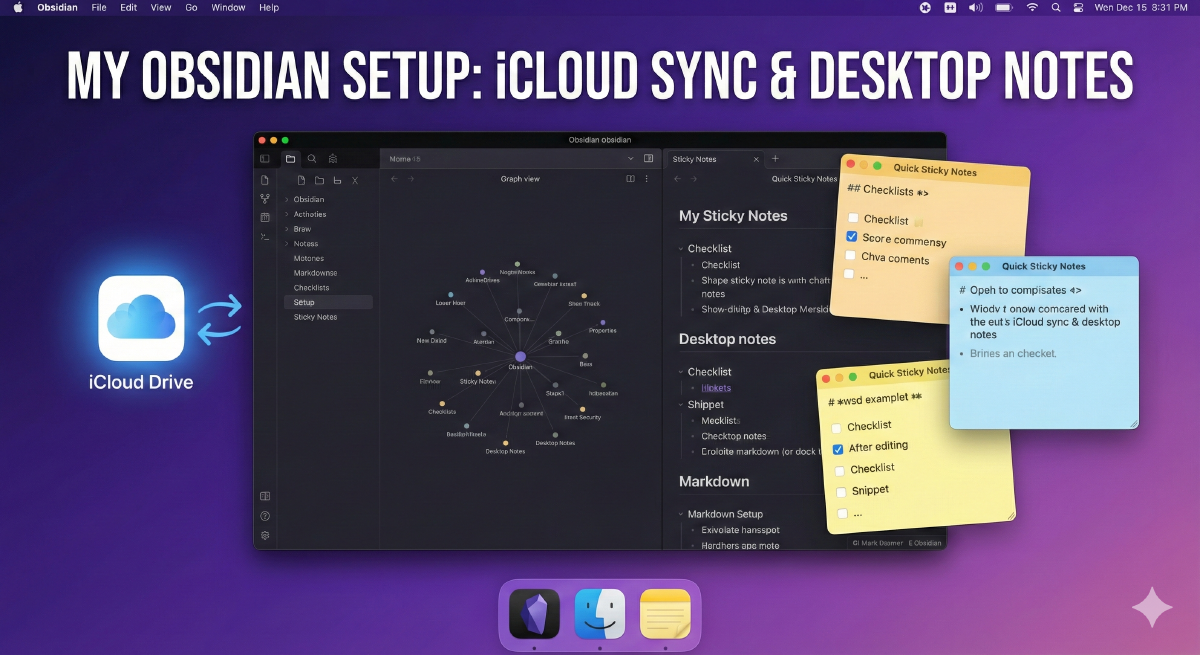

My Obsidian Setup: iCloud Sync & Desktop Sticky Notes #
I want to share my current workflow for Obsidian. This setup solves two specific problems: keeping everything synced across Apple devices without paying for third-party services, and making notes accessible on the Mac without opening the main Obsidian window.
1. The Sync: Configuring iCloud Drive Correctly #
For Apple users, iCloud is the easiest way to sync, but there is one crucial setting you must change on your Mac to prevent data loss or indexing issues.
On iOS (iPhone/iPad):
-
When creating a new vault, select “Store in iCloud”.
-
Go to Settings > [Your Name] > iCloud > iCloud Drive. Ensure it is toggled ON, and check the list below to make sure the Obsidian switch is also ON.
On macOS (The Important Part):
-
Go to System Settings > Apple Account > iCloud > iCloud Drive.
-
Ensure “Sync this Mac” is enabled.
-
⚠️ CRITICAL: Turn OFF the option “Optimize Mac Storage”.
- Why? If this is on, macOS will offload “unused” files to the cloud. Obsidian requires all markdown files to be physically present on your local drive to function correctly.
Once done, you will see your Obsidian Vault in the Finder under the iCloud Drive folder.
2. The Efficiency Boost: Quick Sticky Notes #
Obsidian is great for deep work, but it can feel heavy when I just need to reference a note or jot down a quick thought. I recently started using a Mac app called Quick Sticky Notes to bridge this gap.
It essentially turns your markdown files into desktop sticky notes.
How I use it:
-
Connect it: Point the app to your Obsidian root folder (in iCloud Drive). All your notes are instantly available.
-
Always on Top: This is the killer feature. I can open a note and keep it floating over my browser while I research or code. No more Command-Tab switching.
-
Workflow:
-
I use
Control + Lto instantly pull up my recent notes list. -
It supports full Markdown preview and window resizing.
-
I color-code specific notes to categorize active tasks visually.
-
It’s a simple, lightweight addition that makes the Obsidian database feel much more accessible on the desktop.